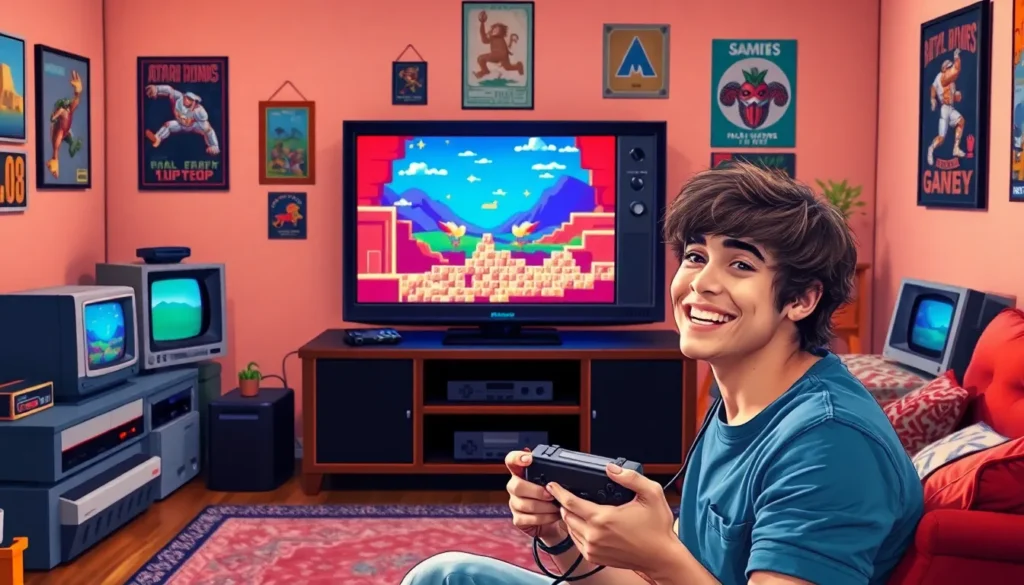

Are you ready to dust off those nostalgic gaming memories? Think of the weekends spent glued to the screen, battling pixelated monsters or racing through virtual tracks. With a retro gaming PC, we can resurrect those classic experiences from the past, all while enjoying the perks of modern technology. Let’s jump into the world of retro gaming PCs and explore why building one might just be the best decision we make this year.
What Is a Retro Gaming PC?
A retro gaming PC is a custom-built computer designed to run games from older console and PC generations effectively. Instead of relying on outdated hardware, we can harness modern components to emulate classic games, allowing us to relive the past without sacrificing performance. These systems often feature a laid-back aesthetic reminiscent of the consoles we grew up with, blending nostalgia with cutting-edge technology. This means we get to enjoy those pixel-perfect graphics and nostalgic soundtracks while playing smooth, seamlessly rendered games.
Benefits of Building a Retro Gaming PC
There are plenty of reasons to build our very own retro gaming PC, and they extend far beyond mere nostalgia.
Firstly, customization reigns supreme: we can tailor every piece of hardware to suit our preferences. Want a faster processor? No problem. Desire a sleek case that mirrors the style of your childhood console? We can do that.
Secondly, cost-effectiveness strikes a chord, especially compared to purchasing original hardware. Vintage consoles often come with hefty price tags on platforms like eBay. By building a PC, we save money while playing a larger library of classics.
Finally, it’s all about the community. Engaging with fellow retro enthusiasts means sharing tips, discovering new games, and joining in on discussions that bring us closer to our favorite pastimes.
Essential Components for a Retro Gaming PC
What do we need to start building our retro gaming PC? Here’s a handy rundown of essential components:
Motherboard: Choose one that supports older components, especially if we’re considering retro consoles’ hardware.
Processor (CPU): Aim for something that can handle emulation comfortably, like an Intel i5 or AMD Ryzen 5.
Graphics Card (GPU): Look for a mid-range graphics card to ensure our games run flawlessly.
RAM: At least 8GB will do wonders for smooth gameplay.
Storage: An SSD is ideal for faster load times, coupled with an HDD for larger game libraries.
Cooling System: Don’t forget to keep things cool: a good cooling solution helps our machine run efficiently.
Power Supply (PSU): Make sure it provides enough power for all components without risk.
Popular Operating Systems for Retro Gaming
When it comes to operating systems for retro gaming, we have a few great options:
Windows: The go-to for many, Windows supports a wide range of emulators and retro games.
Linux: Ideal for those who want a lighter system and enjoy tinkering: it also houses some great emulators.
RetroPie: This is a fantastic option for those eager to use Raspberry Pi hardware. It’s user-friendly and packed with pre-installed emulators.
Lakka: Another light operating system, it brings a console-style interface to your retro gaming experience.
Each choice comes with its unique benefits, and it often boils down to what we value most: ease of use, customization, or community support.
Setting Up Your Retro Gaming PC
Once we have our components and operating system, it’s time to set everything up. Here’s a basic step-by-step guide:
Assemble the Hardware: Start by placing the CPU, RAM, and GPU on the motherboard, then securely install it within the case. Don’t forget to hook up the power supply.
Install the Operating System: Follow the installation prompts for our chosen OS. This may include copying files to a USB drive or using a disc.
Configure Emulators: Download emulators that cater to the systems we want to play, and optimize their settings to our liking.
Add ROMs: Now comes the fun part: loading our game library with ROMs of classic games we treasure.
Finishing Touches: Tweak display settings, sound options, and control inputs to ensure the best gaming experience.
Where to Find Retro Games
Finding retro games can be like hunting for gold, exciting and rewarding. Here are some go-to places:
Online Marketplaces: eBay and Amazon often have vast selections of classic titles.
Digital Platforms: Steam, GOG, and the Nintendo eShop sometimes offer retro titles for purchase.
Abandonware Sites: For titles that are discontinued, these sites may host free, legal downloads of classic games.
Local Game Stores: Don’t underestimate the charm of a local game shop. Many still carry retro and vintage titles.
Community Forums: Platforms like Reddit often have dedicated threads sharing where to find specific titles.